A Local Watchdog for Your Mods Folder
ModMinder is a desktop app that watches your Sims 4 Mods folder, runs real diagnostics (not guesswork), and gives you a one-click fix when something’s actually broken. Nothing ever leaves your computer.
Under the Hood
A look at what actually runs when ModMinder checks your mods.
Auto-Pilot
A debounced watcher on your Mods folder triggers a full check on every change, at launch, and periodically in the background — no manual "run scan" button to remember.
Mod Doctor
Real DBPF resource-key parsing finds actual conflicts between packages, not filename guesses. Un-extracted zips, duplicate mods, and byte-identical copies (via content hashing) get flagged too.
Quarantine & History
A flagged mod is only ever moved after you confirm — never silently. Every quarantine action is logged in History with one-click Restore, so nothing is ever really gone.
"Not a Problem" Dismissals
Automated checks are heuristics, not certainties. If a flagged mod turns out to be fine, tell ModMinder once and it stops flagging it — undoable any time from Settings.
Manual Bisection
For issues Mod Doctor can’t pin down automatically: a guided workflow that halves your mod list round by round until it isolates the actual culprit.
Runs in the Background
Closing or minimizing the window sends ModMinder to the tray/menu bar instead of quitting, so Auto-Pilot keeps watching. An optional setting launches it automatically at login.
See It in Action
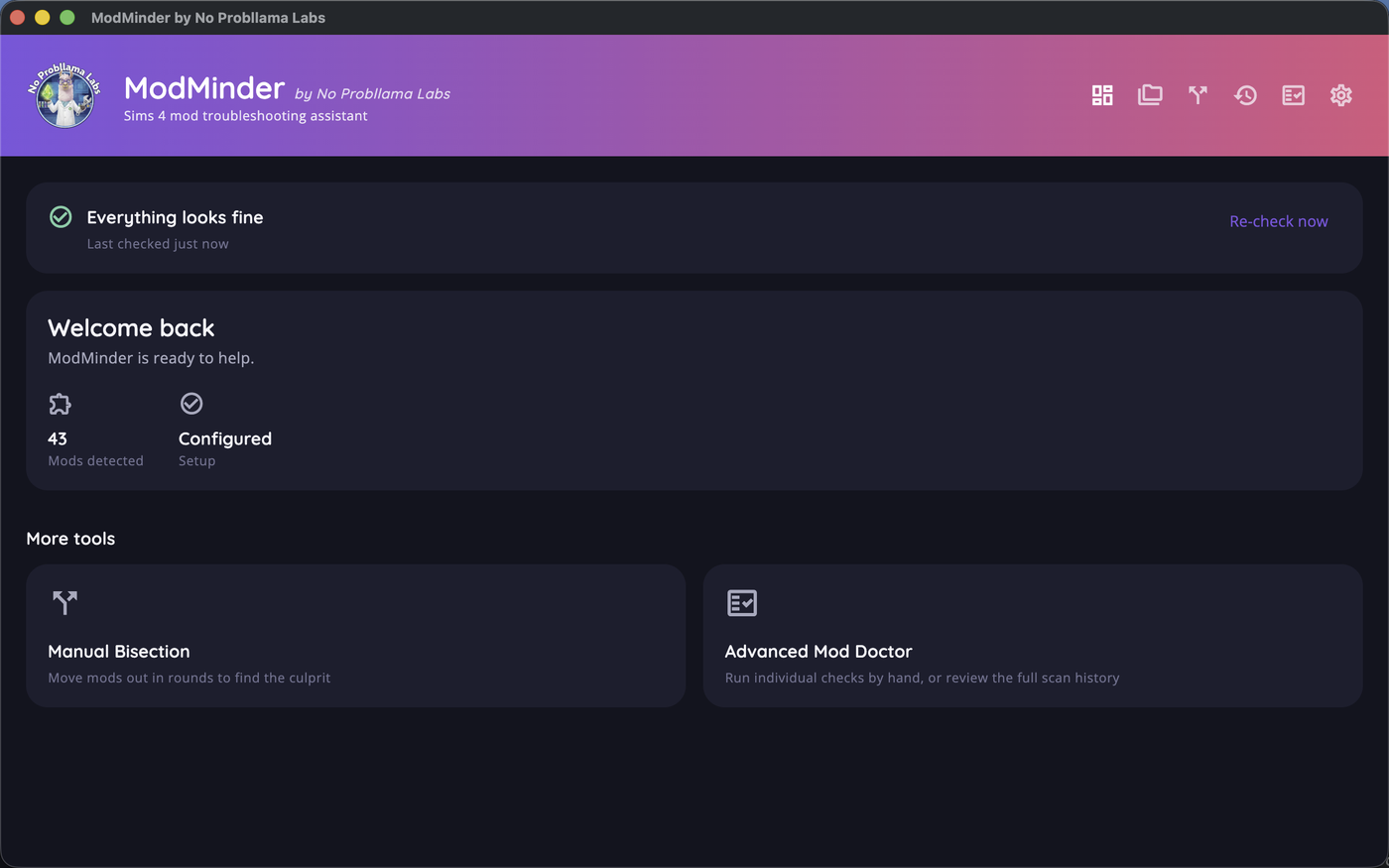
The Dashboard checks itself automatically — nothing to configure
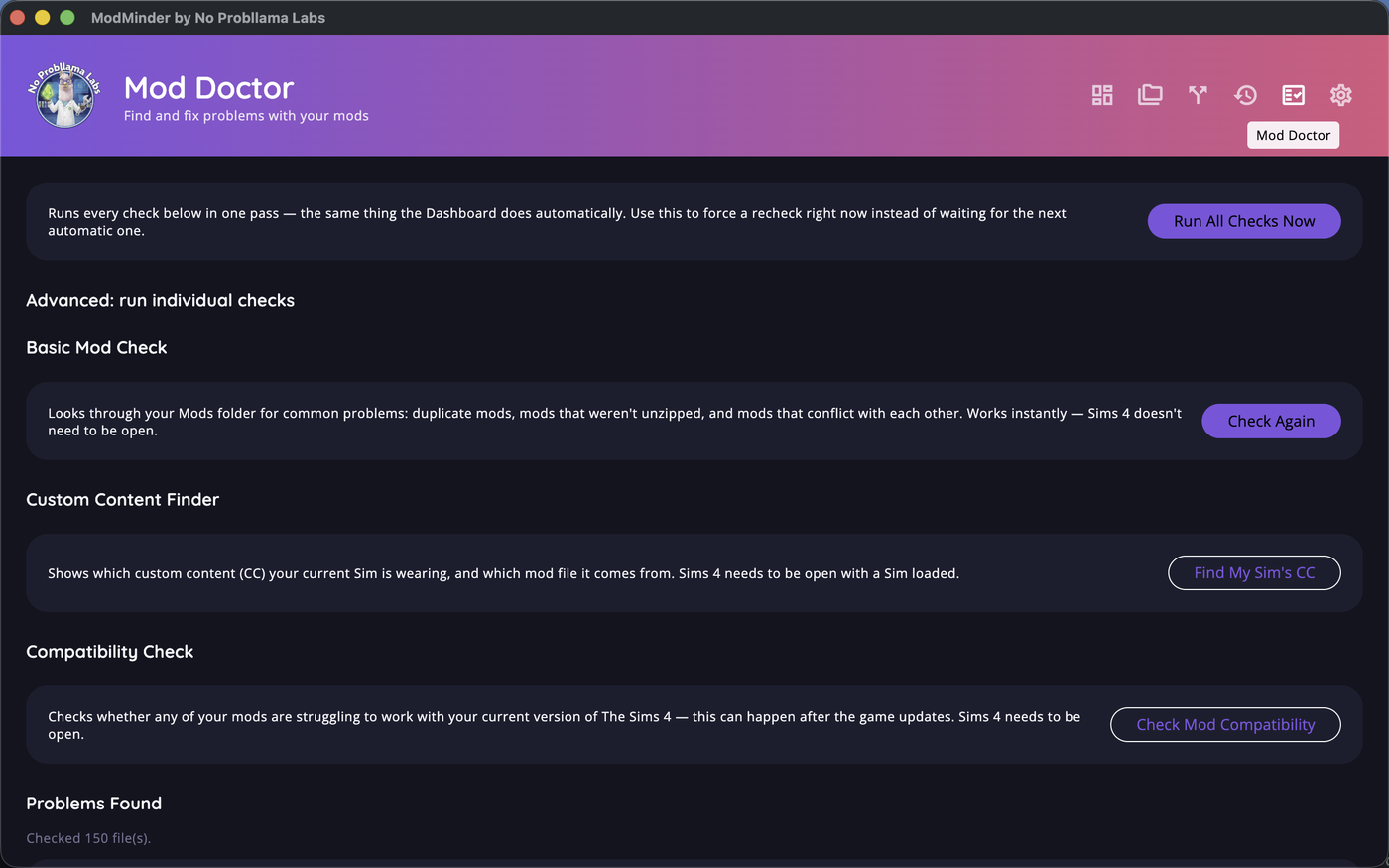
Run any individual diagnostic by hand from Mod Doctor
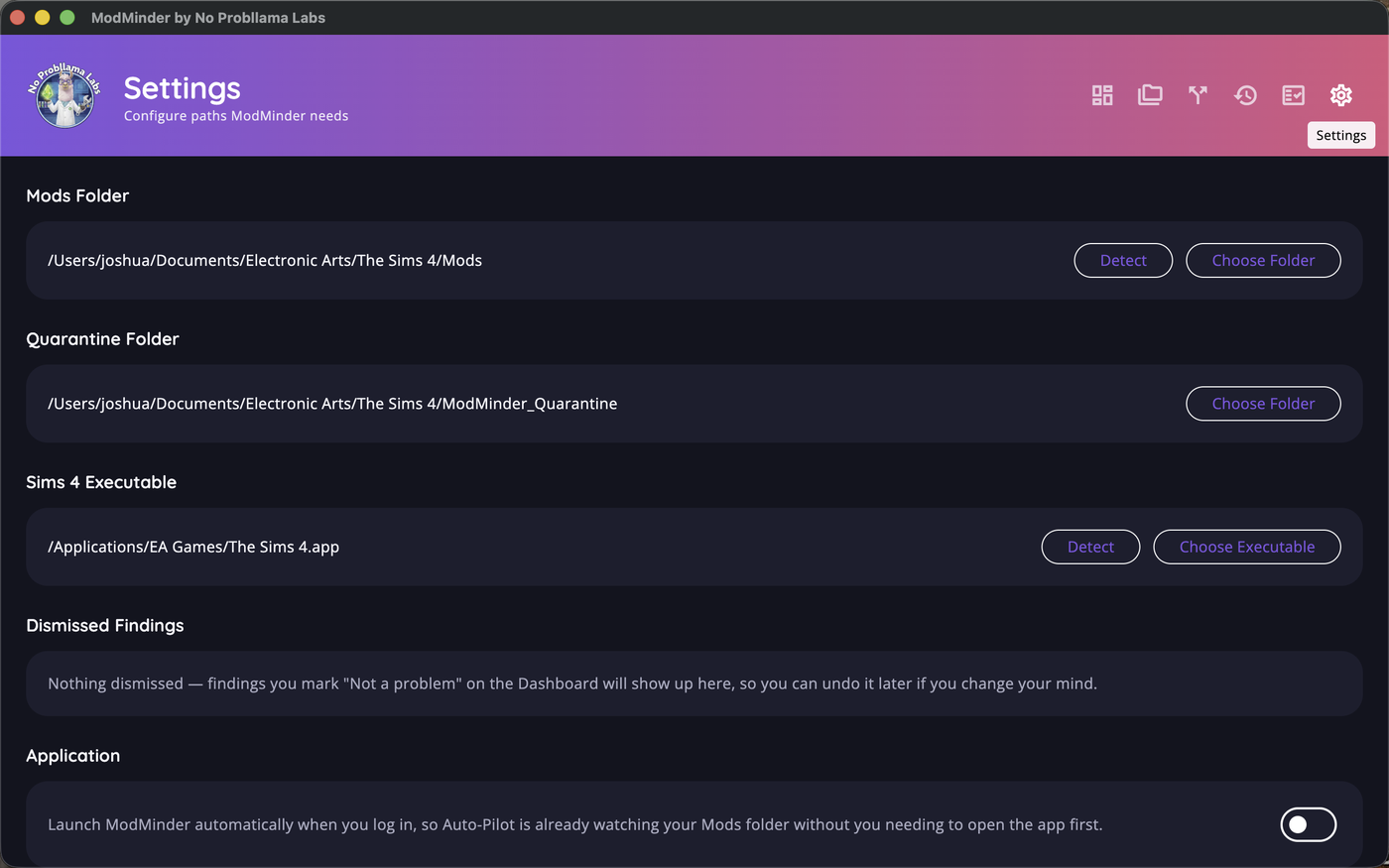
Your paths, dismissed findings, and launch-at-login, all in Settings